Work
Canvas AI Assistant
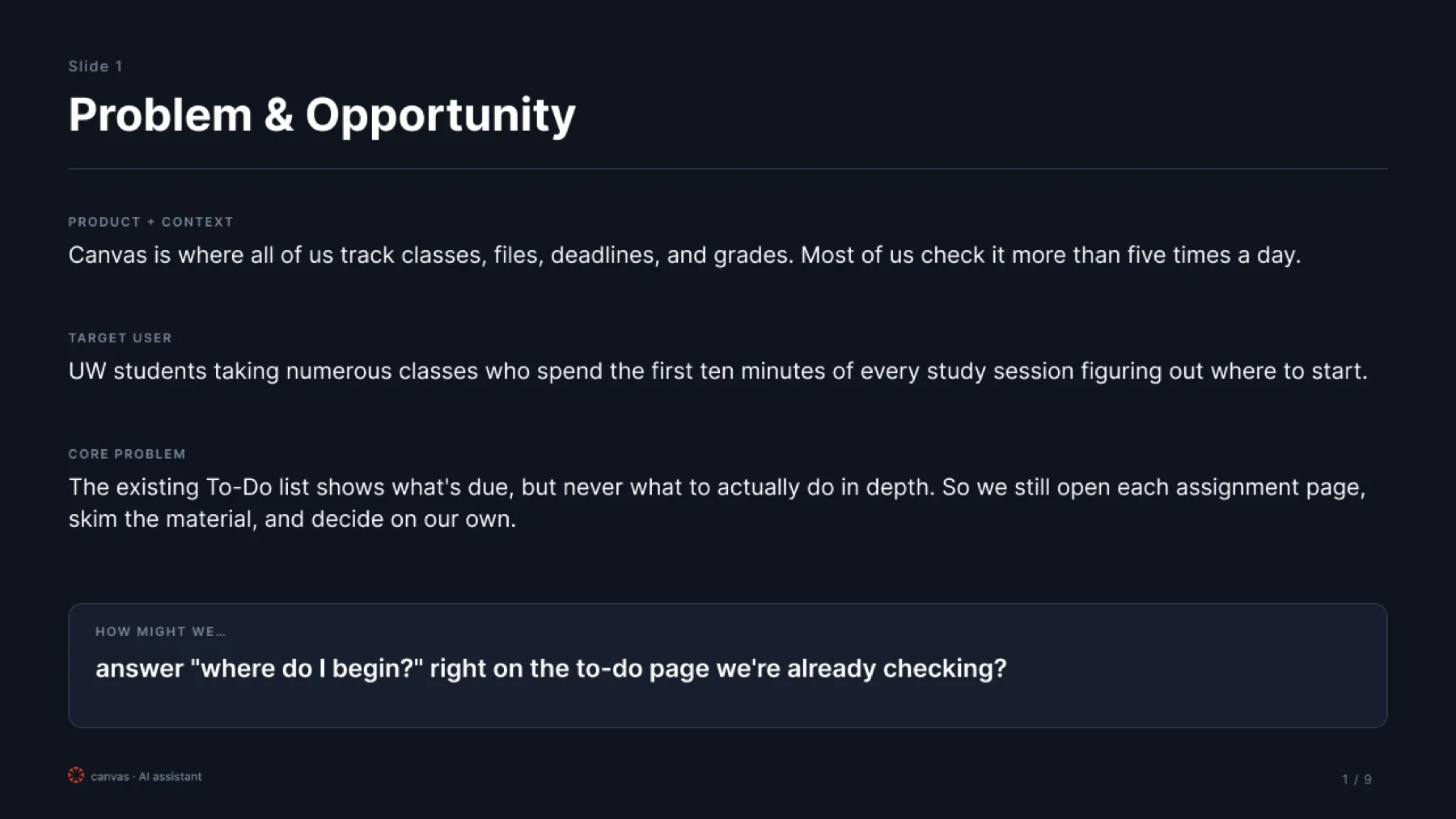
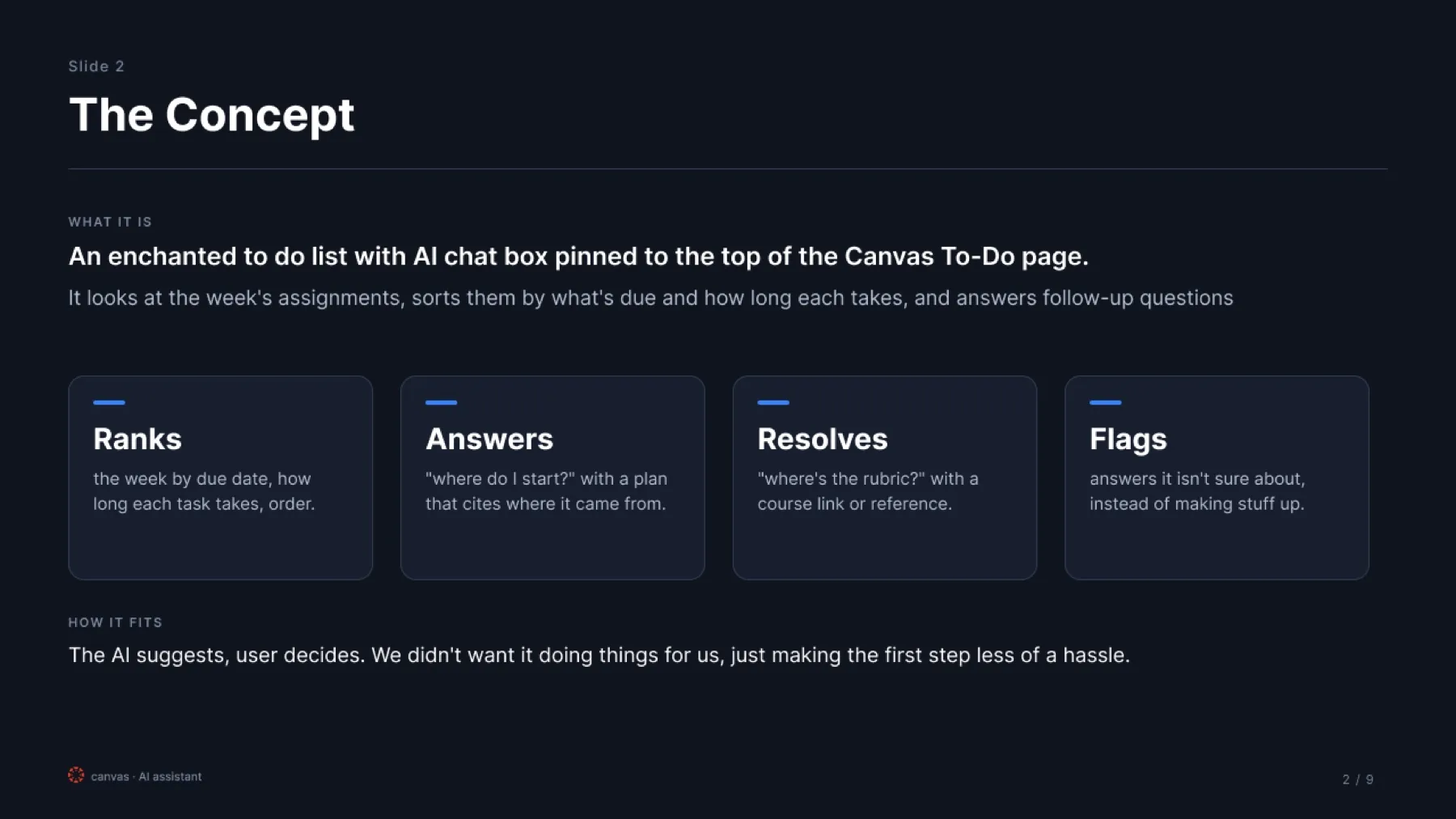
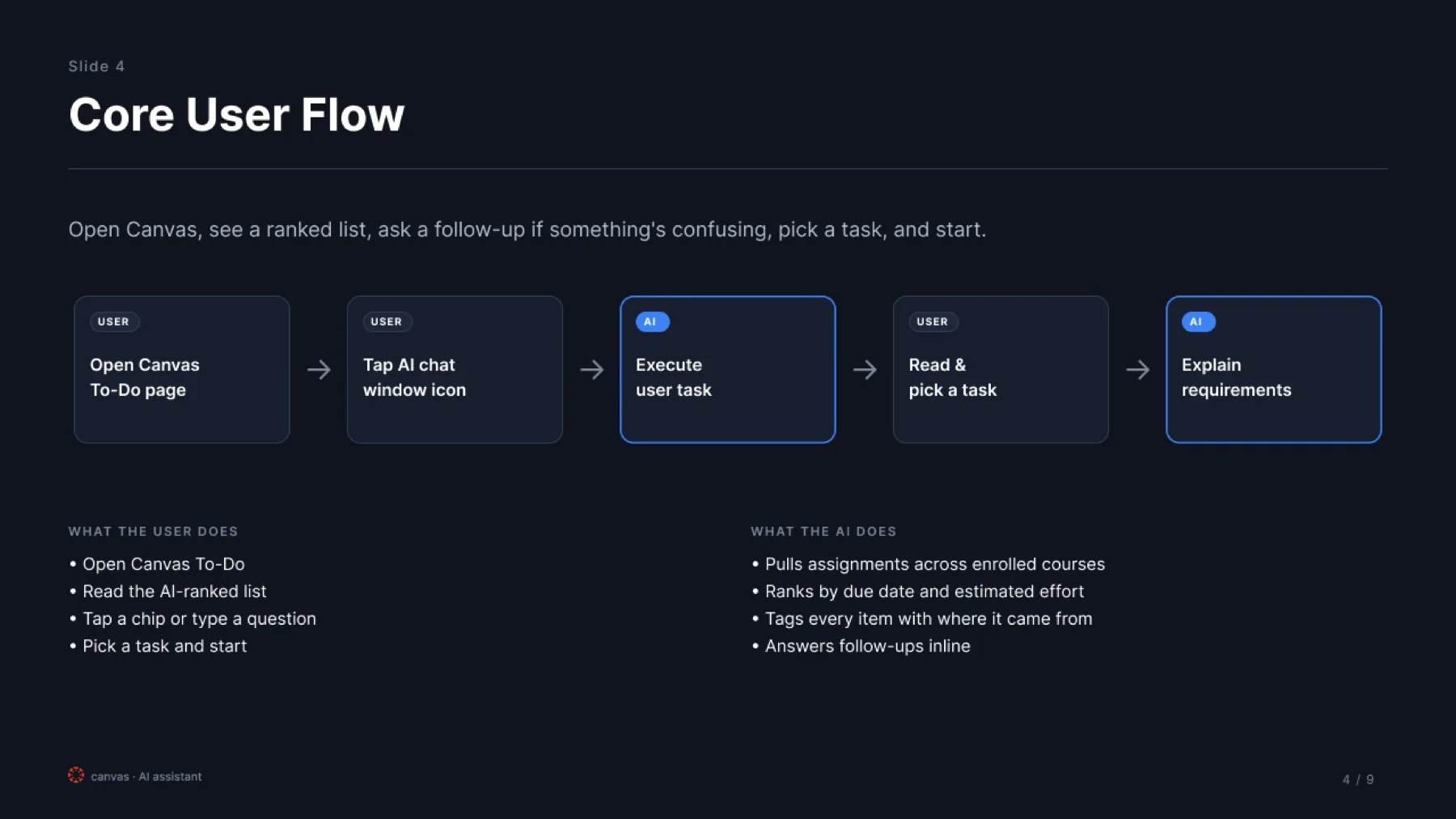
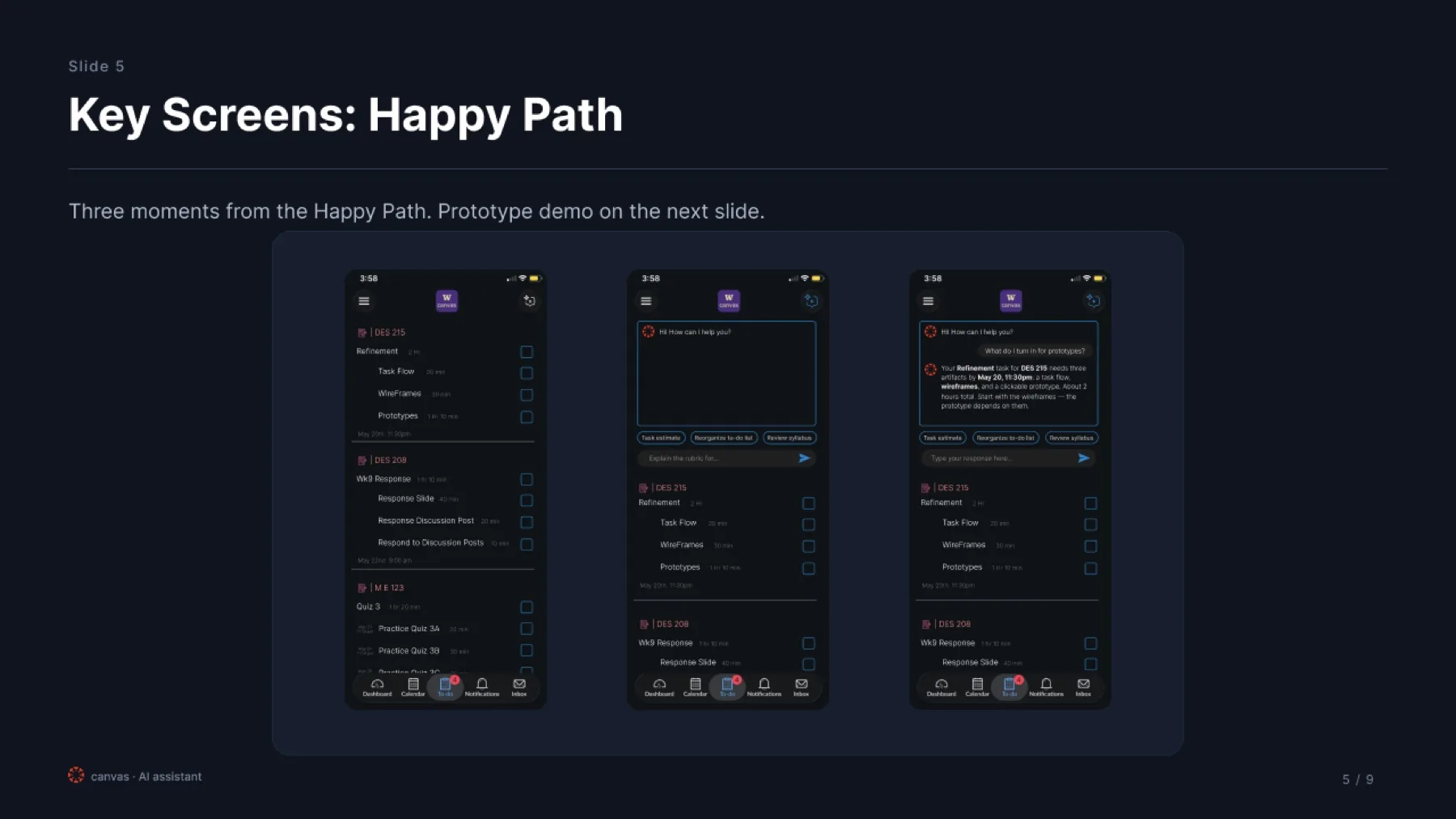
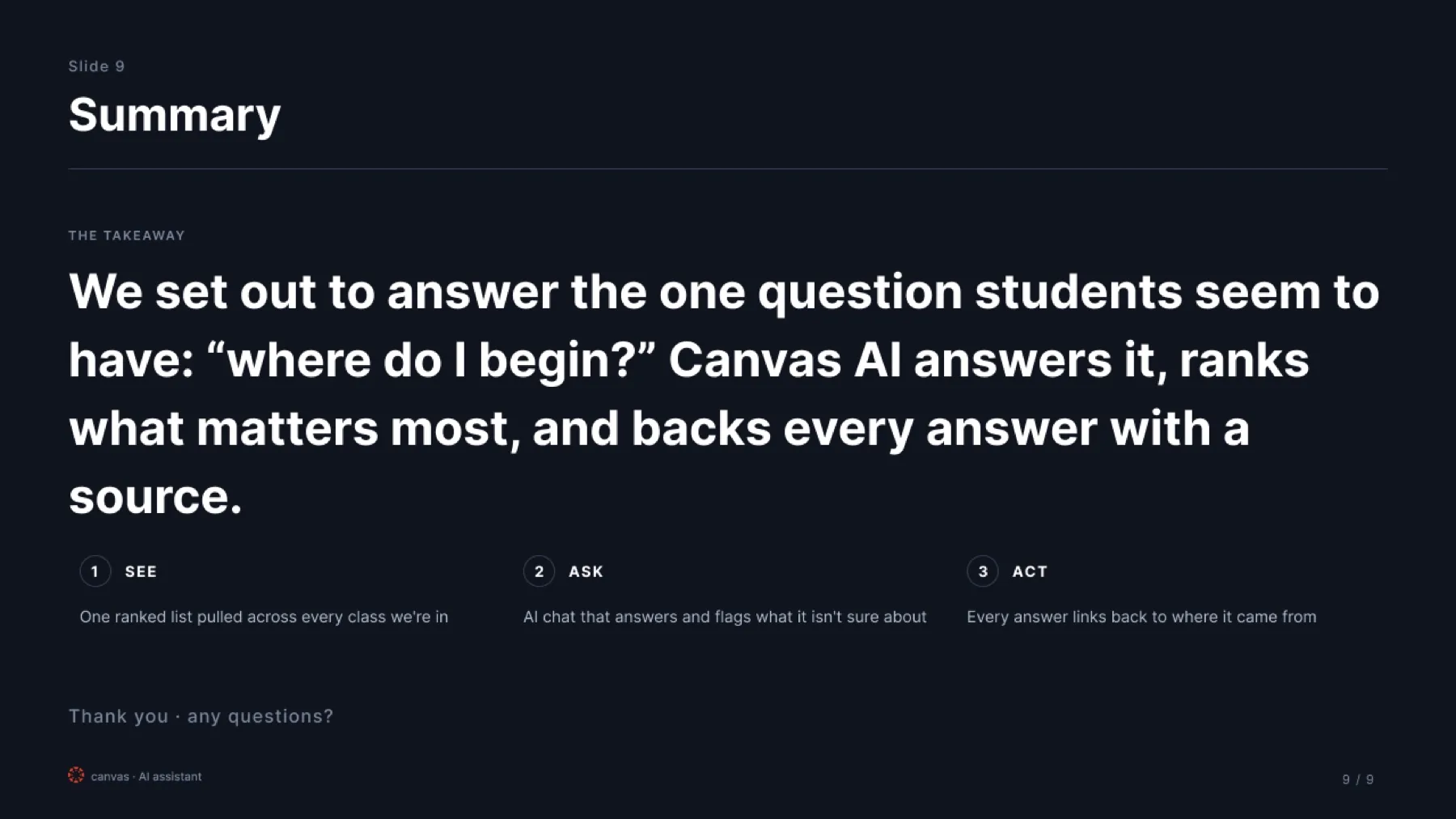
This was a group project with Chikara Nakamura, Isabella Zhao, and Jenna Gensheimer for our final in UW DES 215. Canvas is good at telling you what is due, but not always what to do with everything once it starts piling up. We designed an AI assistant for the To-Do page that could look at the week ahead, sort work by due date and effort, and show where its answers were coming from.
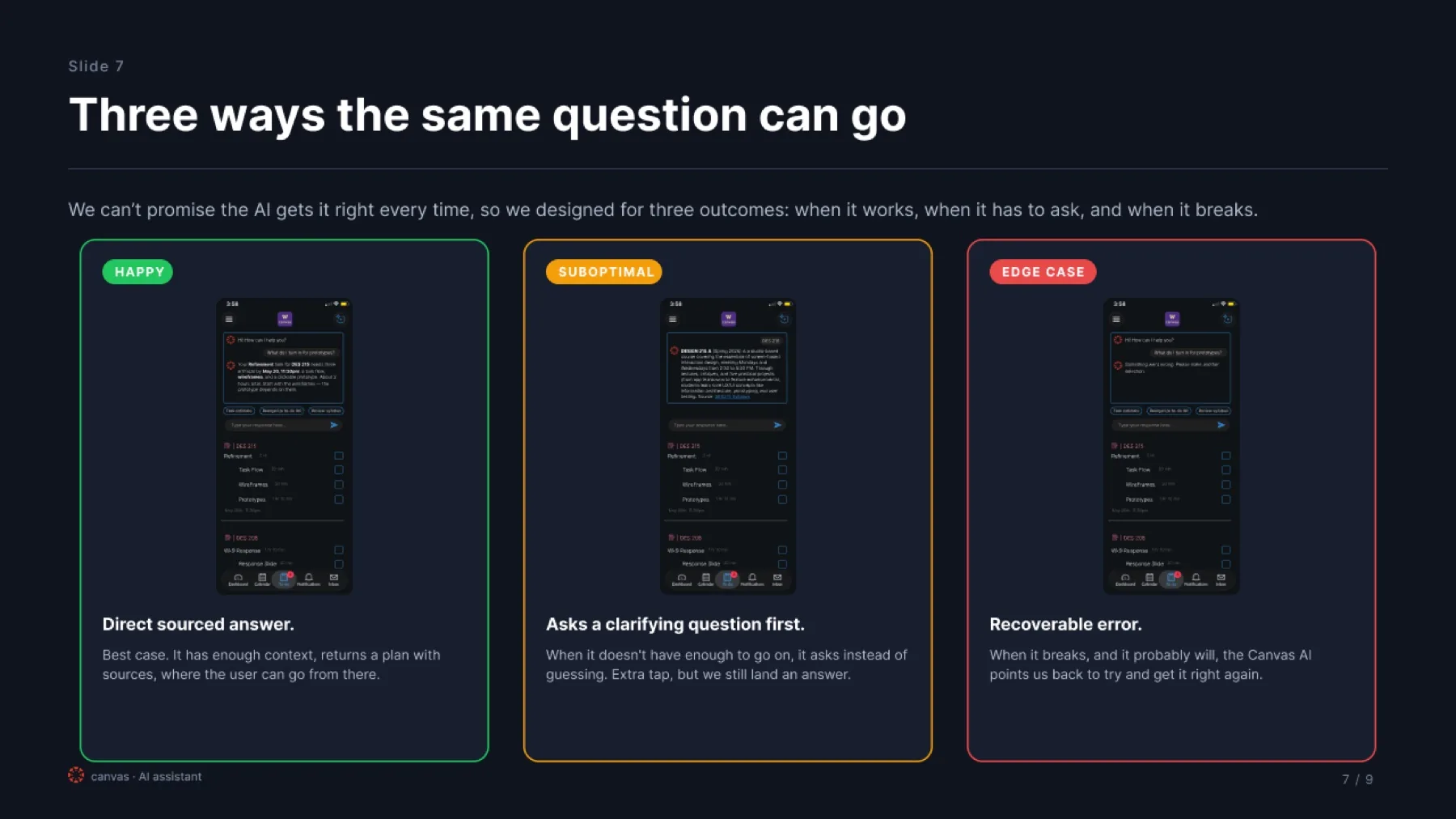
My part focused on the main screens, the clickable prototype, and figuring out what should happen when the AI gets something wrong. That ended up being one of my favorite parts of the project. We showed three versions of the same interaction: when it gets the answer right, when it needs more information, and when it gets something wrong and has to recover. I didn’t want the prototype to stop at the happy path. The error states were part of the design too.
Slides are shown in the deck order we presented.
Interactive prototype
Tap through the happy path